Instagram Highlights: How to Boost Engagement & Conversions
Learn how to organize, design, and optimize Instagram Story Highlights to increase clicks, boost conversions, and turn followers into loyal customers.
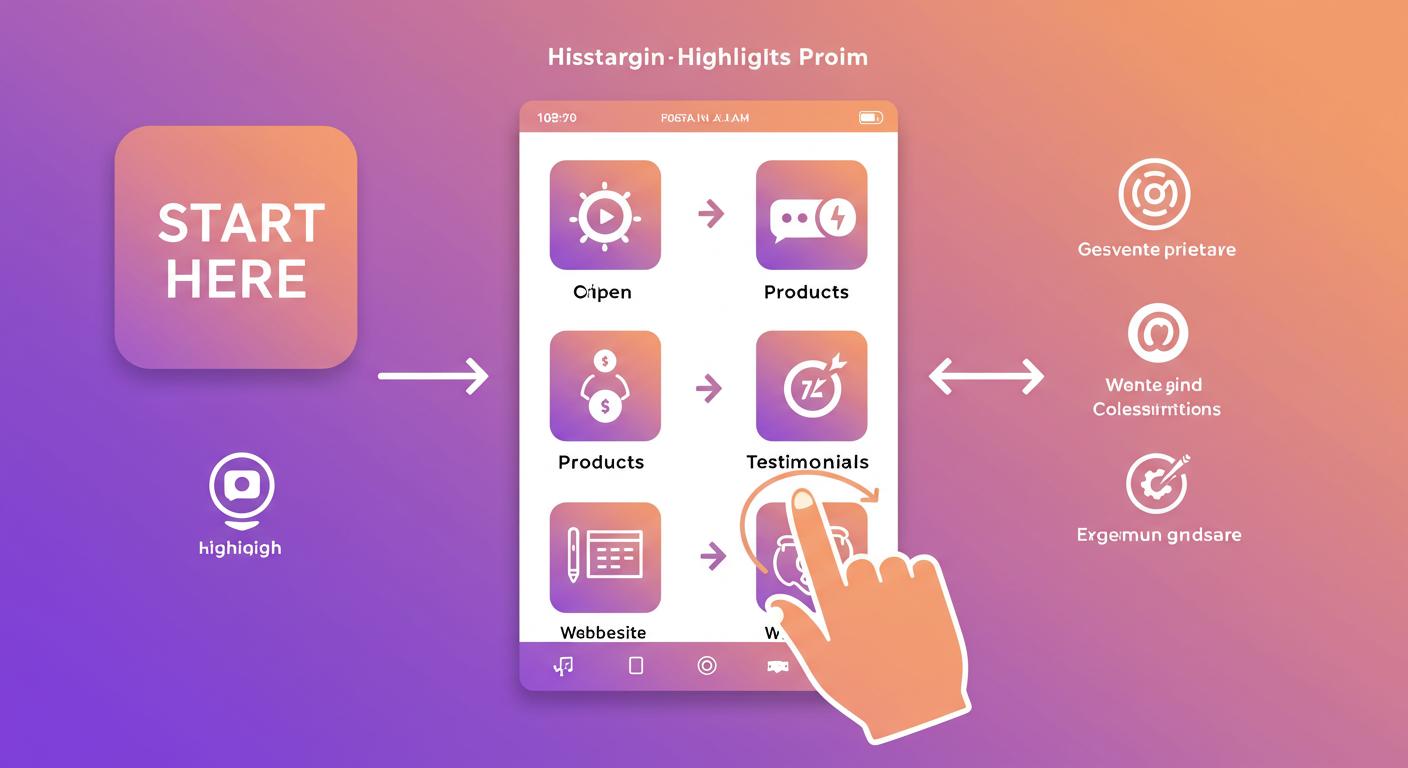
How to Structure Instagram Story Highlights to Increase Engagement and Conversions
Your Instagram Story Highlights are more than saved Stories — they’re mini landing pages on your profile.
When someone visits your profile, they usually:
- Read your bio
- Glance at your photo
- Check your Highlights
And in those 5–10 seconds, they decide:
“Do I follow?”
“Do I click?”
“Do I trust this person?”
Let’s turn your Highlights into a conversion funnel — not just pretty icons.
1. Choose the Right Highlight Categories
Think of each Highlight as a section of your website.
Here are must-have categories:
|
Category |
Purpose |
|
⭐ Start Here |
Welcome, what you do, how to follow you |
|
📦 Products |
What you sell / offer |
|
📣 Testimonials |
Proof, reviews, social proof |
|
🎁 Freebies |
Lead magnets, free downloads |
|
🎓 Tips |
Educational, quick wins, credibility |
|
🤝 About Me |
Your journey, personal brand feel |
Start with 3–5 Highlights max — clean and focused.
2. Order Matters: Think Funnel
The sequence of Highlights = viewer journey.
Best order:
- Start Here
- About Me
- Testimonials
- Freebie/Offer
- Tips / Products
Hook → Trust → Proof → Value → Offer
It’s a silent funnel. Use it well.
3. Design Clean, On-Brand Covers
Your Highlight covers should:
- Match your brand colors
- Use simple, recognizable icons (not text)
- Be readable at small size
- Look cohesive side by side
✅ Tools: Canva, Figma, or even Instagram’s native editor
🎨 Pro Tip: Keep icon size consistent across covers.
4. Keep Highlights Short and Focused
No one wants to tap through 75 slides.
Each Highlight should:
- Be under 15 slides
- Start with a title card
- Have a CTA every few slides
- Use captions and clear visuals
👀 Most-viewed = first 3 slides. Make them count.
5. Add Strategic CTAs Inside Your Highlights
CTAs to try:
- “DM me ‘PLAN’ for the free guide”
- “Tap the link in bio to grab yours”
- “Swipe up to book now” (if available)
- “Reply to this story if you want more info”
📌 Don’t wait till the end — insert CTAs midway too.
6. Refresh Highlights Monthly
Stale content = lost trust.
Set a reminder to:
- Update promos
- Add new testimonials
- Replace old visuals
- Delete irrelevant stories
🗓️ Monthly maintenance = ongoing conversions.
7. Bonus: Create a “Before & After” Highlight
Visual proof is gold.
If you’re in fitness, beauty, coaching, or service-based work — this Highlight shows transformation.
Even 2–3 strong slides can trigger action.
Final Thoughts
Instagram Highlights = your profile’s sales assistant.
When structured right, they:
✅ Welcome your visitors
✅ Build instant credibility
✅ Guide users to click, DM, or buy
At socialbulker.com, we help brands structure every part of their Instagram presence — from bio to Reels to Highlights — for results.
Hand-Picked Articles
Carefully selected related content just for you
Instagram SEO: Rank in Explore & Search for Maximum Visibility
Want more organic reach? Master Instagram SEO to rank in search and Explore. Use actionable tips to grow your profile an...
Read Full Article
Increase Instagram Engagement Organically: 9 Smart Strategies
Struggling with low likes and comments on Instagram? Discover 9 proven, organic strategies to boost engagement and build...
Read Full Article